 F1 Strategy Hub
Updates / 4.17.0
Race engineer with undercut, overcut and weather calls you accept from the wheel
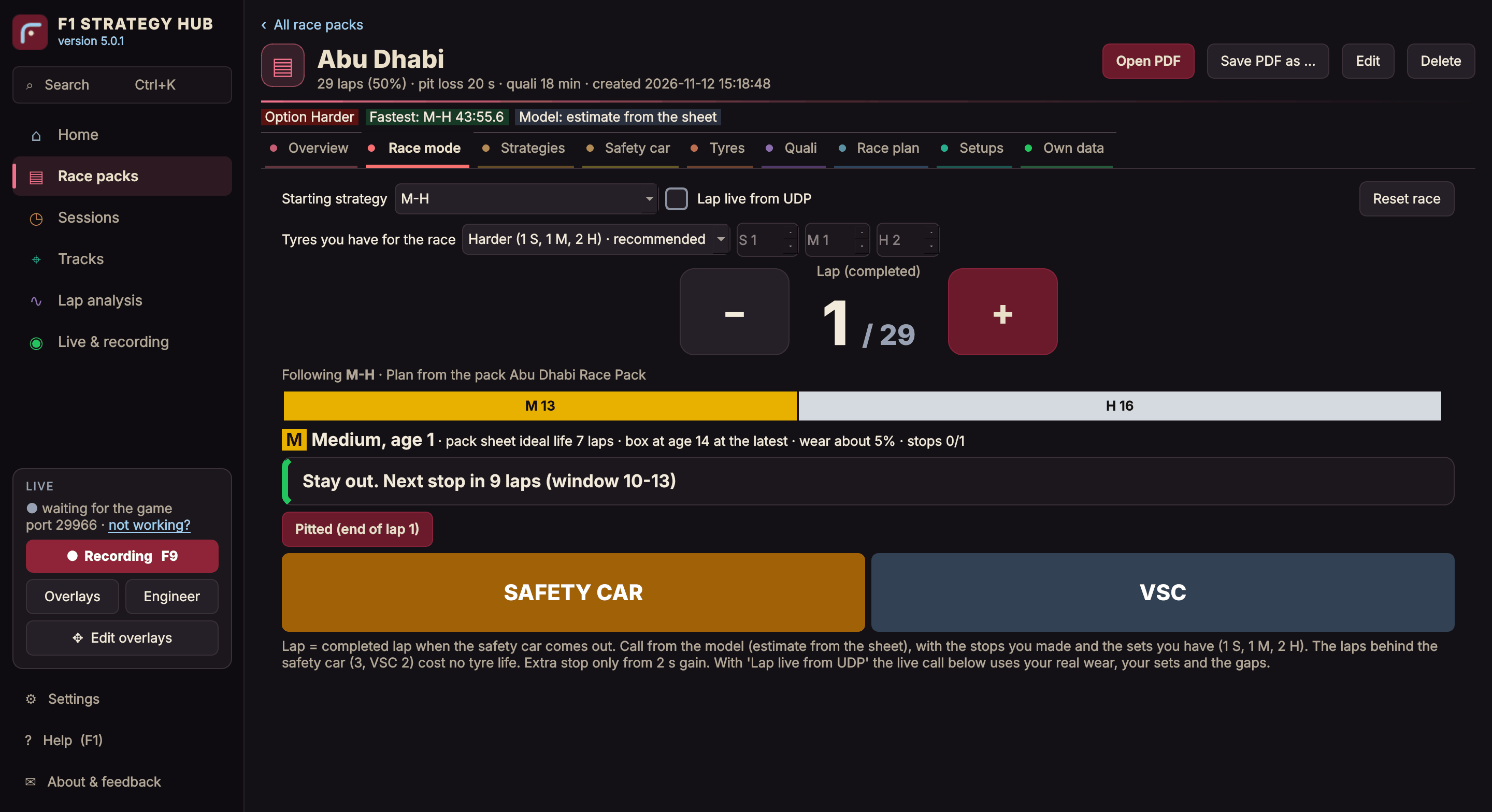
Race engineer
With Race mode following the game, the app now watches the race every second and suggests a change of plan when one pays off.
- Undercut: you are stuck behind a car, passing is hard at the track and a fresh set gains more than the gap in two laps: box this lap.
- Overcut: the undercut does not work (gap too big or traffic at the pit exit) but your tyre holds: stay out, push in clean air, box later.
- Cover: the car behind could undercut you, or the car ahead has just boxed.
- Weather: the game's forecast turned into laps. Rain coming: stay on slicks until it starts, box for inters on that lap, and skip a slick stop just before it when your tyre lasts. Raining or the field faster on inters: box now. Drying: back to slicks when the field's slicks are faster. At the start it warns when your tyre does not reach the rain.
- It appears in a new Race engineer overlay box (only when there is something to say) and in Race mode.
- Accept or deny with two UDP Action buttons on your wheel (Settings, Controls) or in Race mode. Accepted: it is your plan and the HUD says BOX THIS LAP when the lap comes. Denied: it stays away for the rest of the stint.
- Where passing is easy it leaves the fight on track alone; under a safety car the safety car call decides.
Also
- Weather & tyres overlay: in how many laps the rain starts or stops.
How to update: the app offers it at startup (Update now). Or download the setup from GitHub and run it; your packs, sessions and settings stay.