 F1 Strategy Hub
Updates / 5.8.1
Track data on the Tracks page, the ERS map picture is back
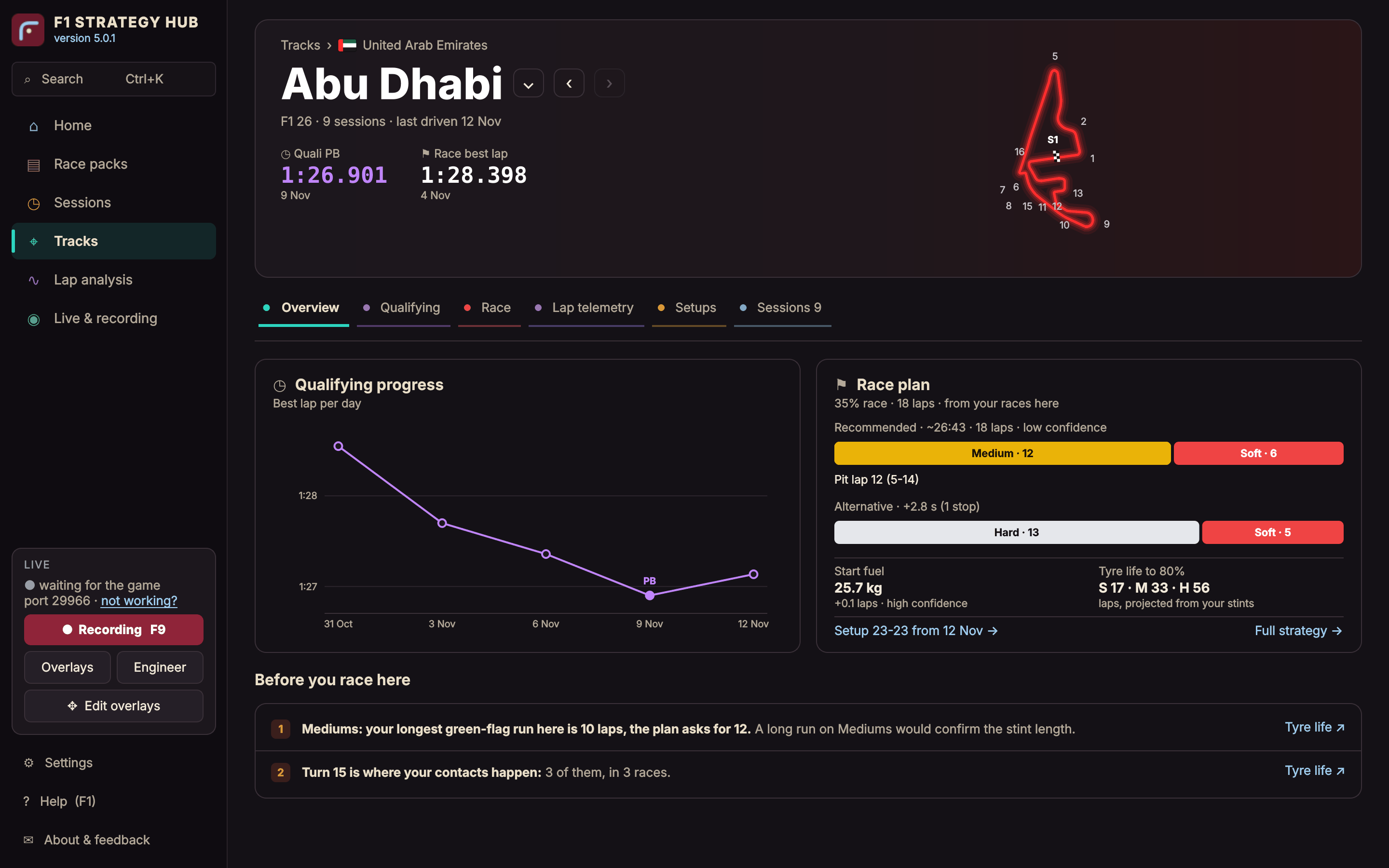
With 5.8.0 the Race packs page went away and a few handy things went with it. This update brings them back, now where the track data lives: under Tracks.
Make and open track data on the Tracks page
- + New track data and Import: at the top of the Tracks page, like on the old Race packs page. New opens the editor with the Discord text, the boxes, From sessions, Pictures to read and the ERS map picture. Import opens a race pack PDF or JSON, also from friends.
- A card for every track with track data: a track you made or imported a race pack for shows up on the Tracks page even before your first lap there. Its card says Track data, no sessions yet, a click opens its page with the strategies, quali exits and setups.
The ERS map picture is back
- On the Qualifying tab: the ERS map picture you added to the track data shows again, click it to see it large. Read it for the quali plan reads it as the track's ERS guide, and the ERS map link of the track data is right below.
Edit like you make it new
- Edit track data on the Own data tab: opens the whole editor, the same as when you make the track data new.
- Track data from your own laps: a track that only has the pack learned from your sessions now has Edit too. It opens the editor with your sessions filled into the boxes, so you can check and change the numbers, add setups or an ERS map picture and save it as real track data.
How to update: the app offers it at startup (Update now). Or download the setup from GitHub and run it; your packs, sessions and settings stay.