 F1 Strategy Hub
Updates / 4.21.0
Every lap of every car recorded every metre, pick the session in the lap analysis, much smaller data
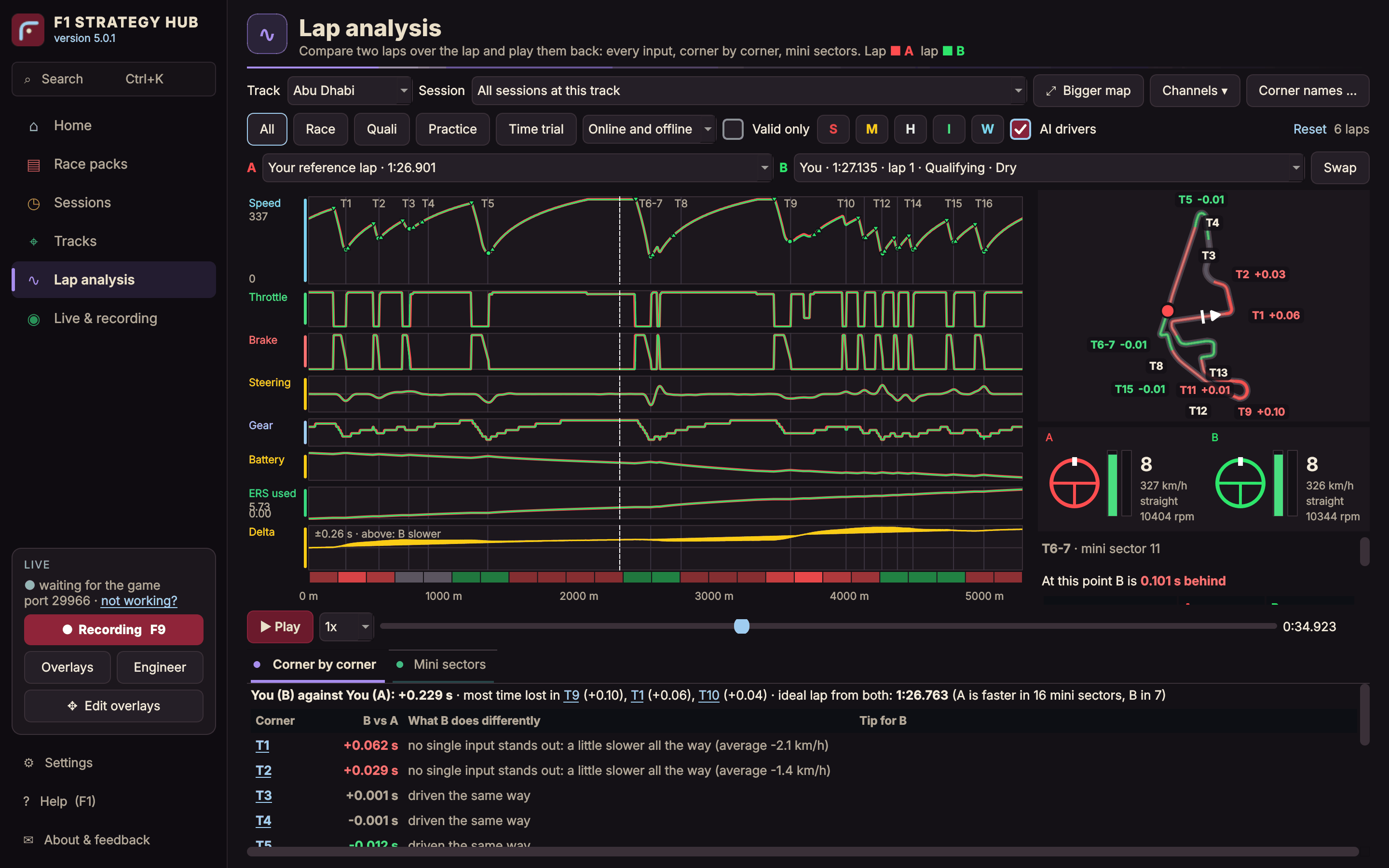
Every metre, every car
- Your laps and the laps of every other car are recorded every metre (was 5 m for you and 20 m for the others). The game sends 60 packets a second, so at top speed the points are about 1.4 m apart: brake points to the metre.
- Other drivers now have every channel you have: speed, throttle, brake, steering, gear, RPM, DRS, battery, ERS deployed and harvested, ERS mode and tyre wear (their telemetry has to be public in the game).
Pick the session
- Lap analysis has a Session list next to the track: all sessions, or exactly one. With one session, A and B offer every whole lap you drove in it (not only the best, invalid laps marked) and the fastest and race pace lap of every other car.
- From Home, "Lap analysis" next to the last session opens it with that session picked.
Much smaller data
- Laps are stored packed and the session files compressed, without losing anything: a whole race with every car every metre is about 1 MB (it would be almost 40 MB plain). Your existing sessions are made small once in the background after the update; each file is only replaced after it reads back the same.
- The charts stay smooth with the finer laps: moving the cursor redraws only the cursor. The ERS plan measures the battery drain over 5 m steps, so the finer laps do not skew it.
- Shared data folder (two PCs): update the app on both. A PC with an older version does not see the sessions recorded with 4.21 until it is updated; nothing is changed or lost. Older sessions in a shared folder stay as they are, and reference laps keep their old form so an older version never takes them for missing.
- Shared session files (.f1session) from 4.21 are smaller; an older version says it cannot open them (update it), files from older versions still open.
How to update: the app offers it at startup (Update now). Or download the setup from GitHub and run it; your packs, sessions and settings stay.