 F1 Strategy Hub
Updates / 4.22.0
Edit overlays (move and resize with red frames), overlays hide until the game sends data
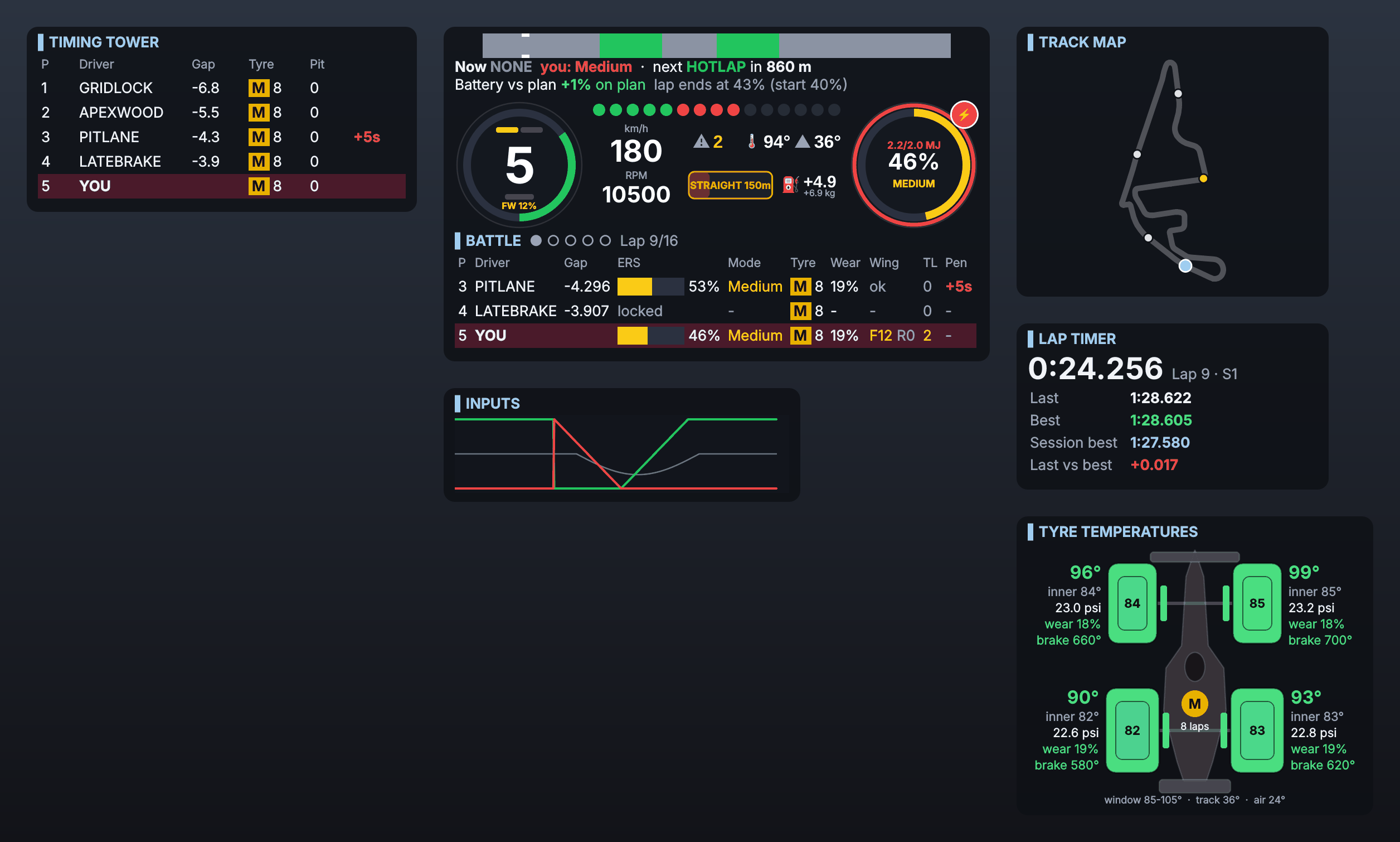
Edit overlays
- A new button in the Live box at the bottom left: Edit overlays. Every overlay that is switched on shows with a red frame, red corners and its name, also when the game is not running and for overlays that normally hide themselves (radar, race engineer).
- Drag an overlay to move it, drag one of its red corners to make it bigger or smaller; the opposite corner stays where it is. Done editing: positions and sizes are kept, click through comes back if it was on.
Hide without game data
- The overlays stay hidden until the game sends telemetry and show by themselves when it does (Settings, Overlay look, Hide without game data; on by default). The Live box says Overlays (waiting) meanwhile. F8 shows them anyway.
How to update: the app offers it at startup (Update now). Or download the setup from GitHub and run it; your packs, sessions and settings stay.