 F1 Strategy Hub
Updates / 4.23.0
Import your Pits n' Giggles data (the whole folder at once), export for the F1 Telemetry Viewer
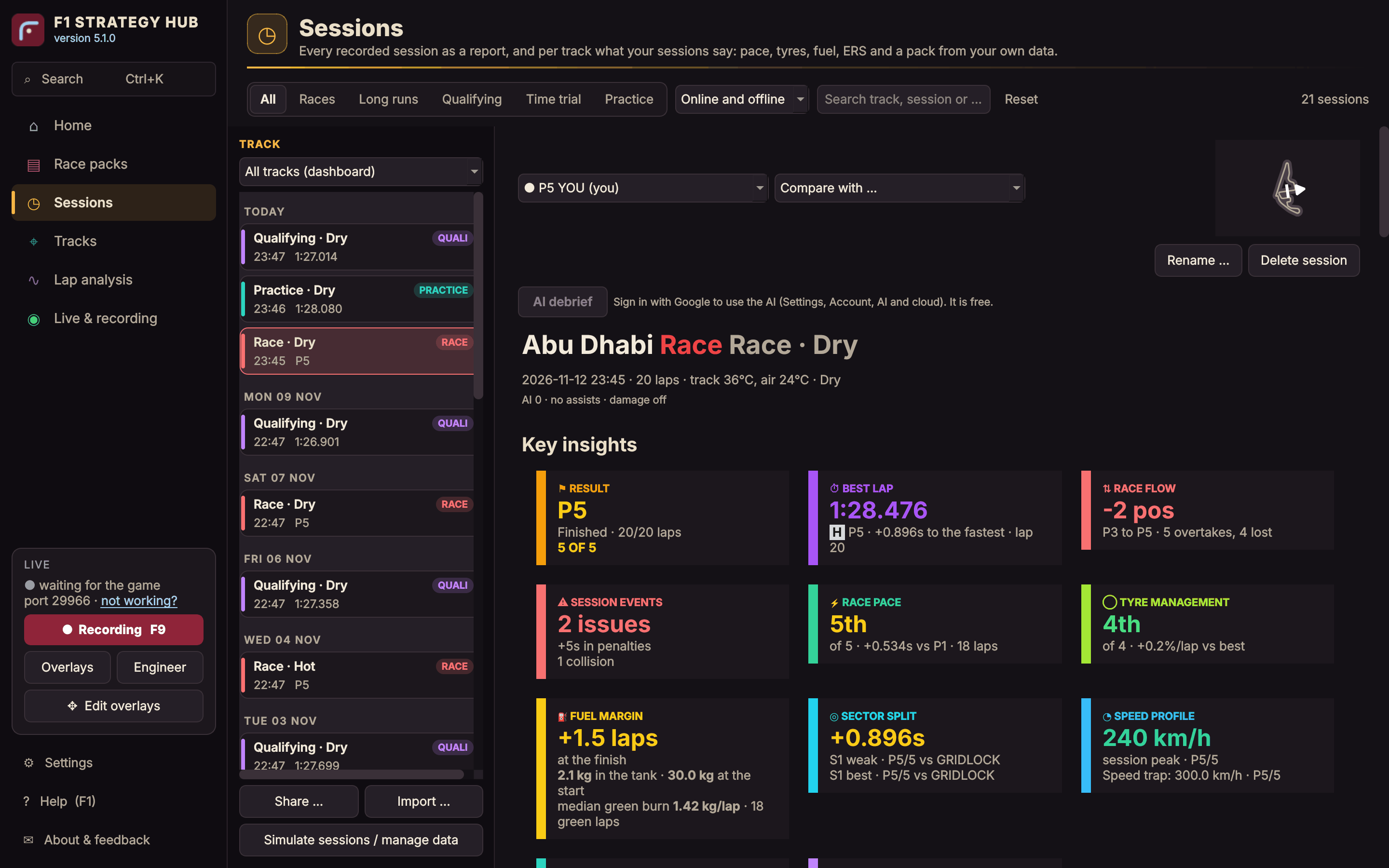
Pits n' Giggles data in the app
- Sessions, Import ..., Pits n' Giggles: the whole data folder. Every date folder with its session files and lap recordings (.pngt) comes in at once, in the background. Import the folder again later: only the new sessions are added.
- Each one becomes your own session: laps and sectors, tyres, wear, fuel and ERS per lap, positions, result, setup and every car. Track data, tyre and fuel learning and race packs from your data use them.
- Their lap recordings open in the lap analysis: your laps of the session and the laps of the other cars (no track map: their recordings have no positions).
Export for the F1 Telemetry Viewer
- Sessions, Share ...: one session or all of them in the Pits n' Giggles format. The F1 Telemetry Viewer by Fabrizio Rinaldi opens them: drop the files into its web page, or point it at the folder.
Fixes
- A race report could not open after the end screen of a race with pit stops.
- A 2026 race the game ends early (every car "retired" with the reason finished) no longer counts as a DNF.
Pits n' Giggles (Ashwin Natarajan) and the F1 Telemetry Viewer (Fabrizio Rinaldi) are free programs under the MIT licence; see About.
How to update: the app offers it at startup (Update now). Or download the setup from GitHub and run it; your packs, sessions and settings stay.